Desktop organizer wallpaper templates
Create a blank Organizer Desktop Wallpaper
















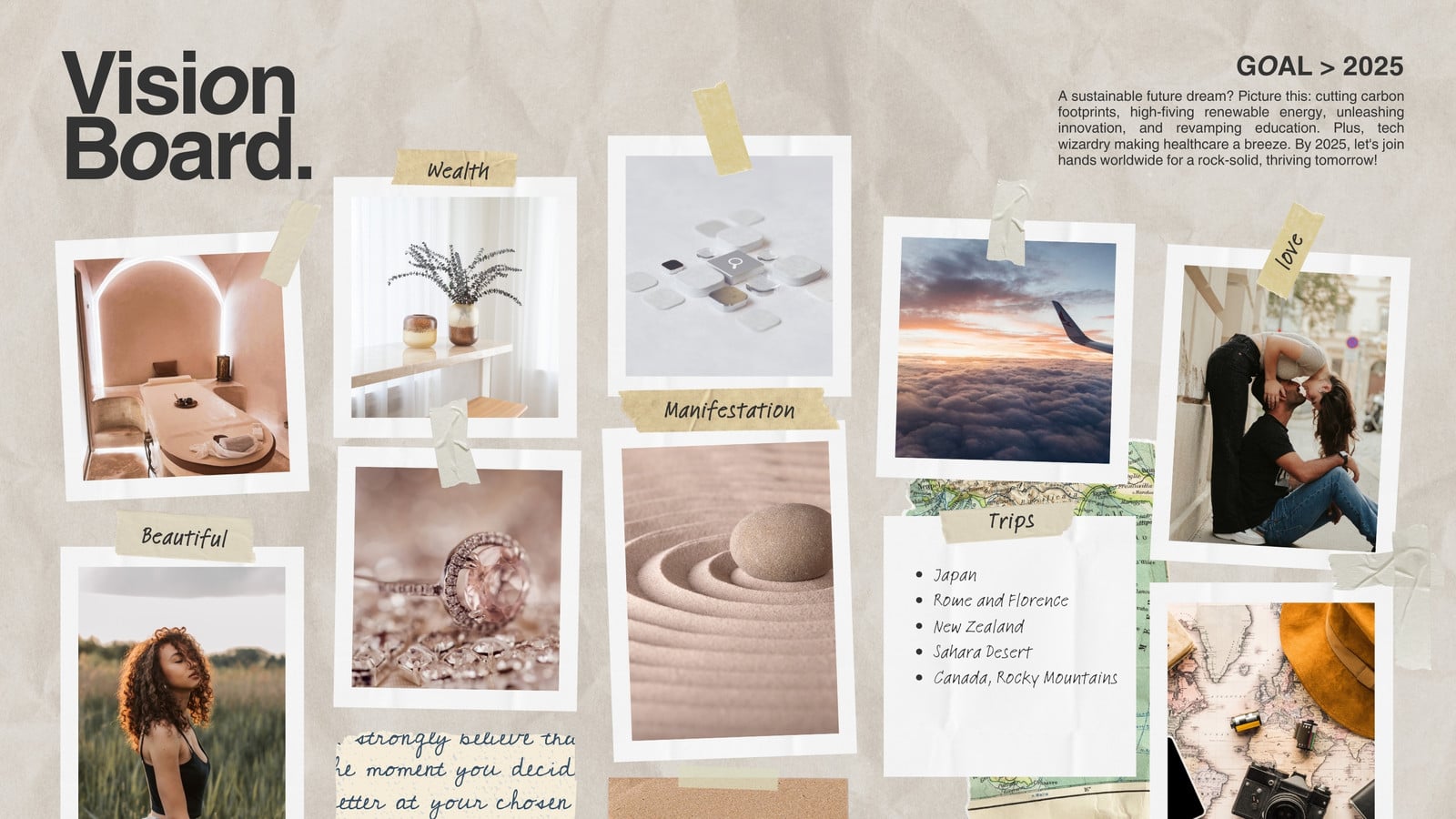


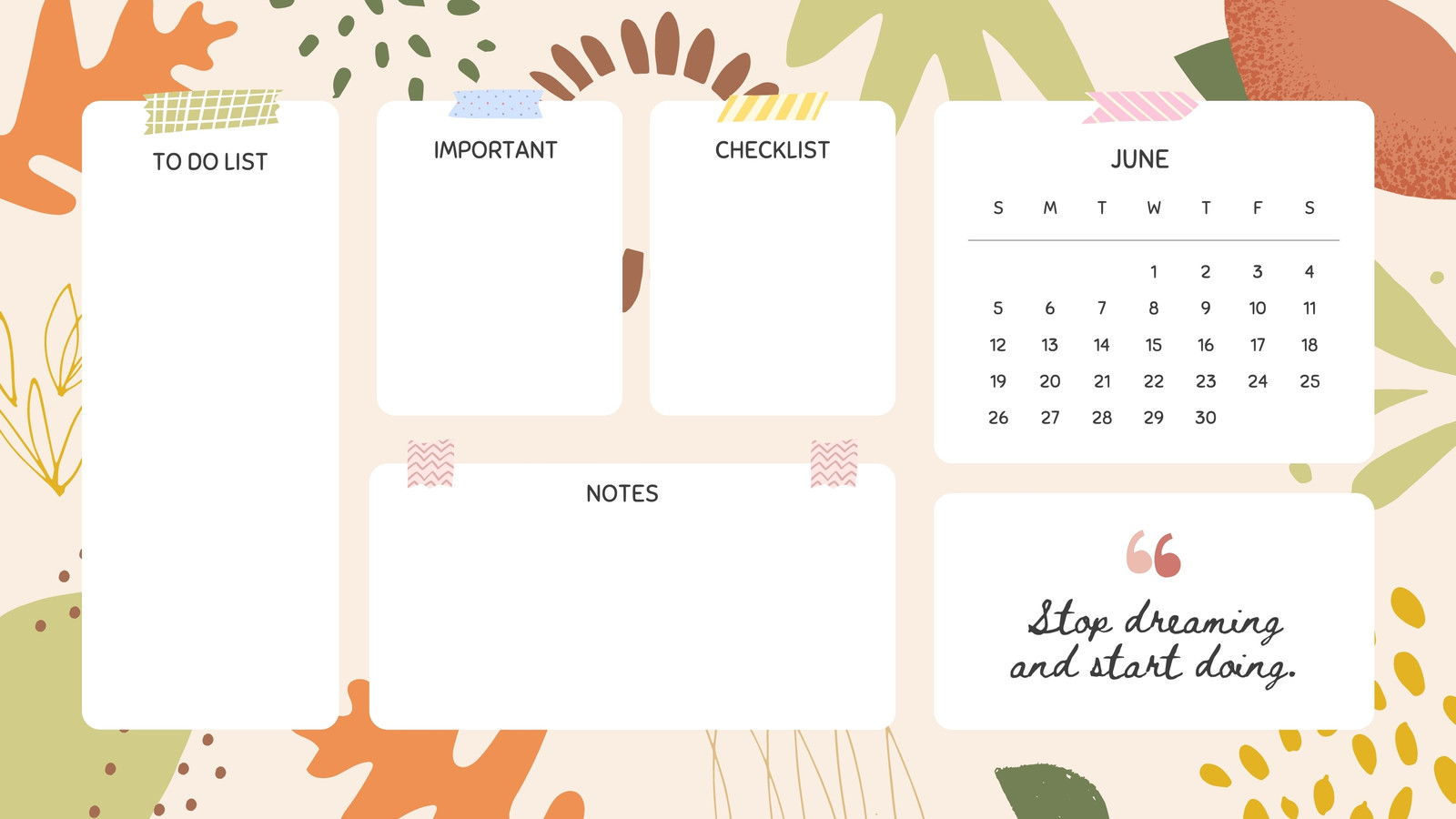
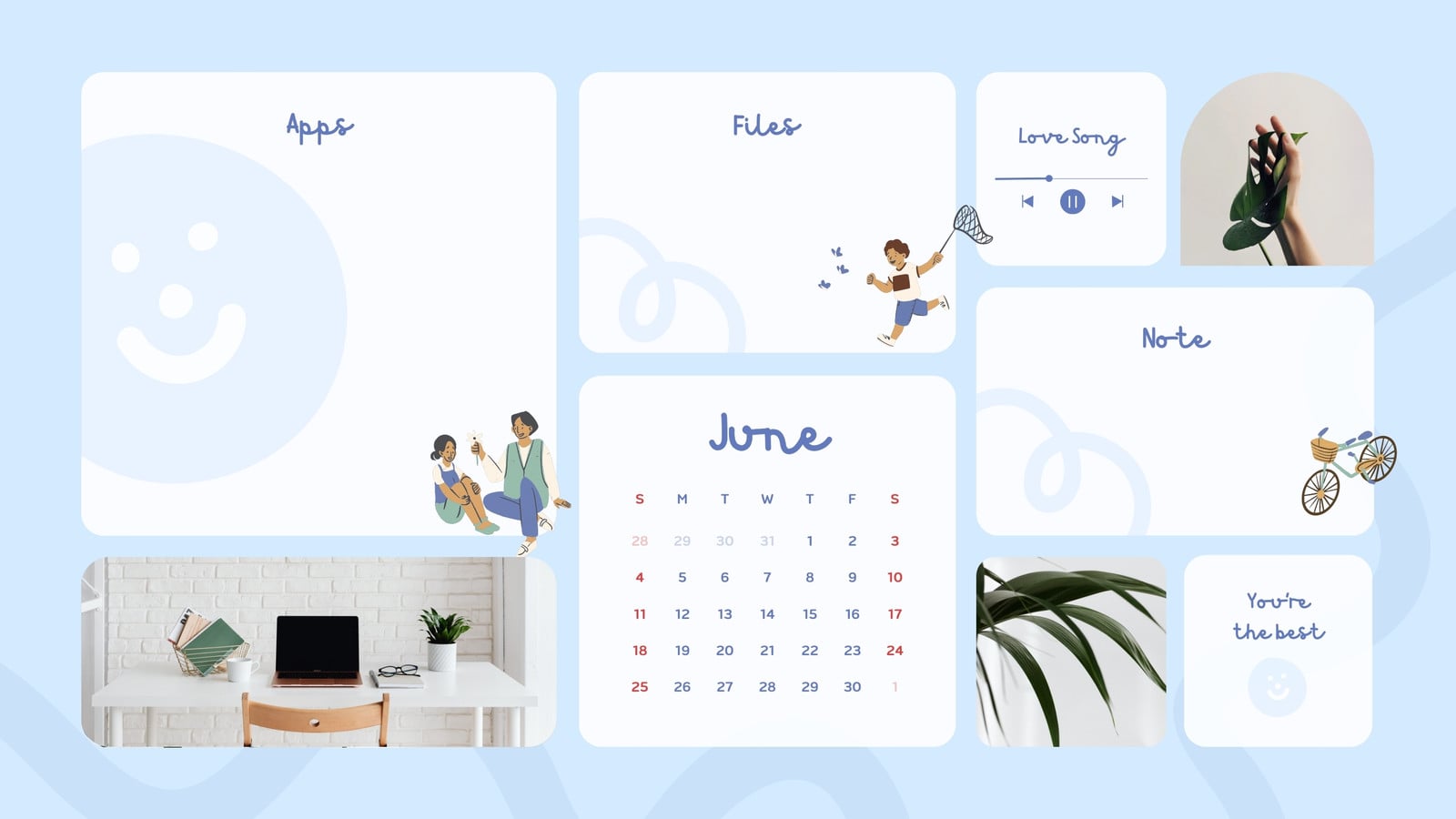
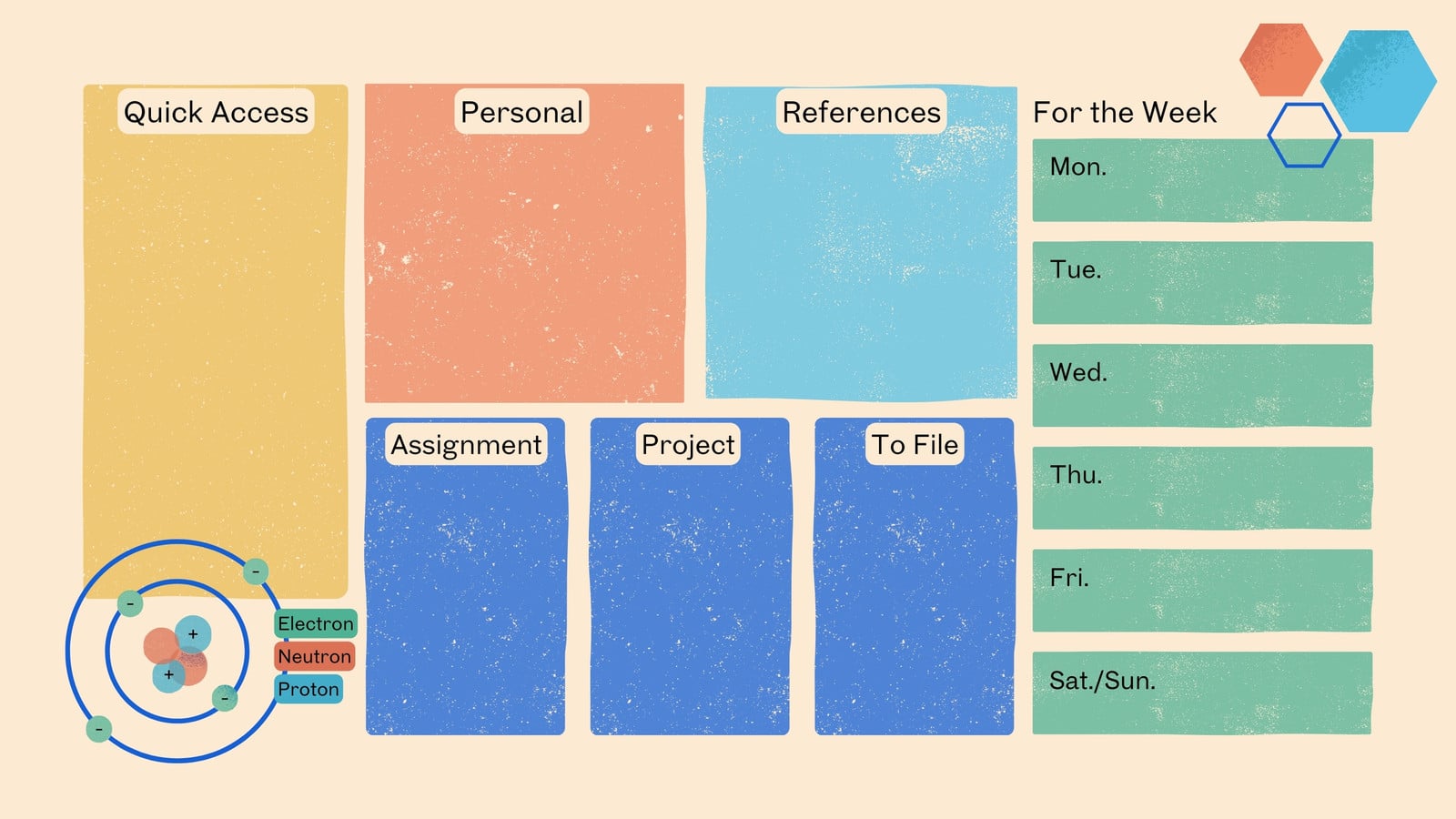
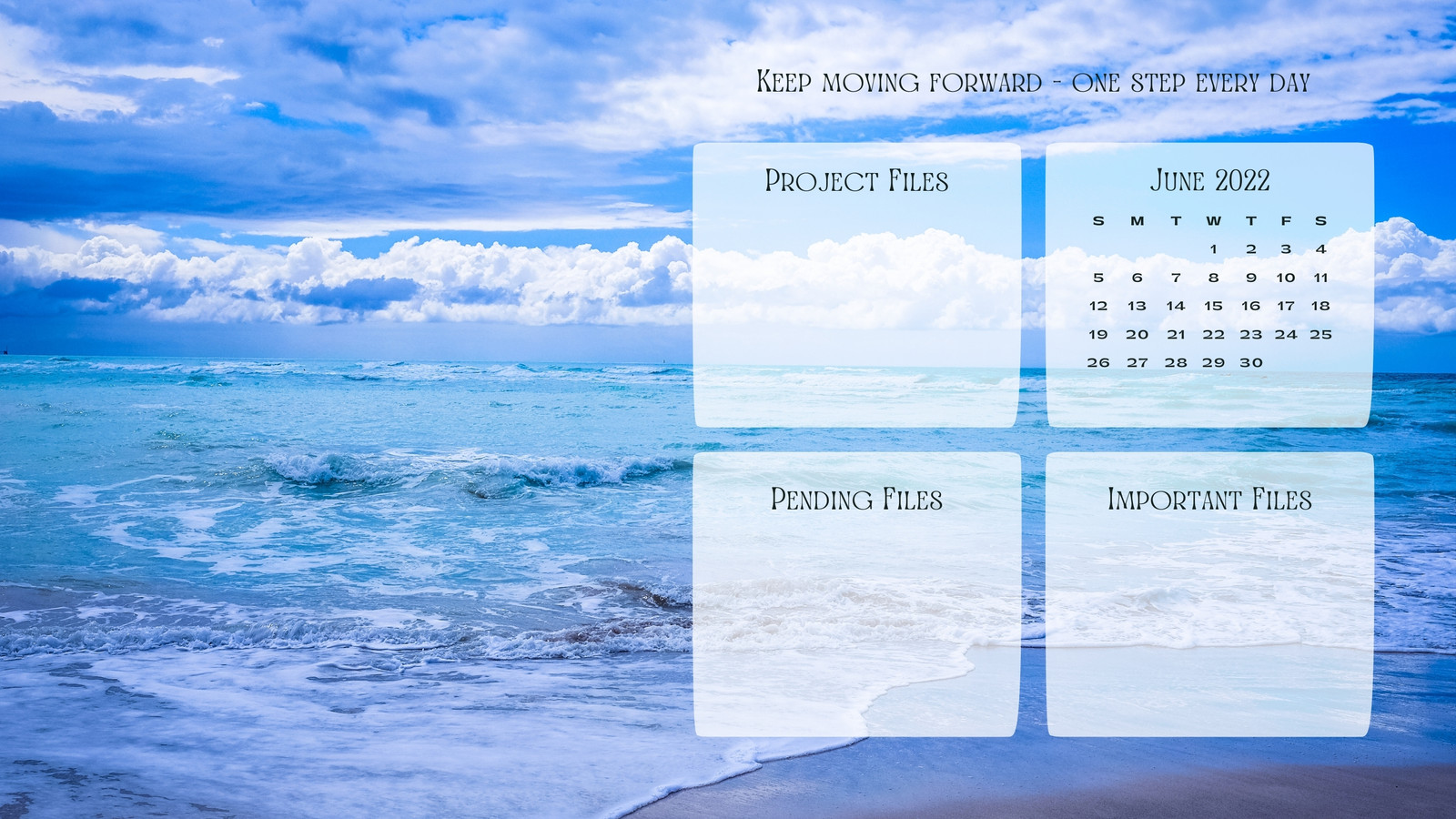

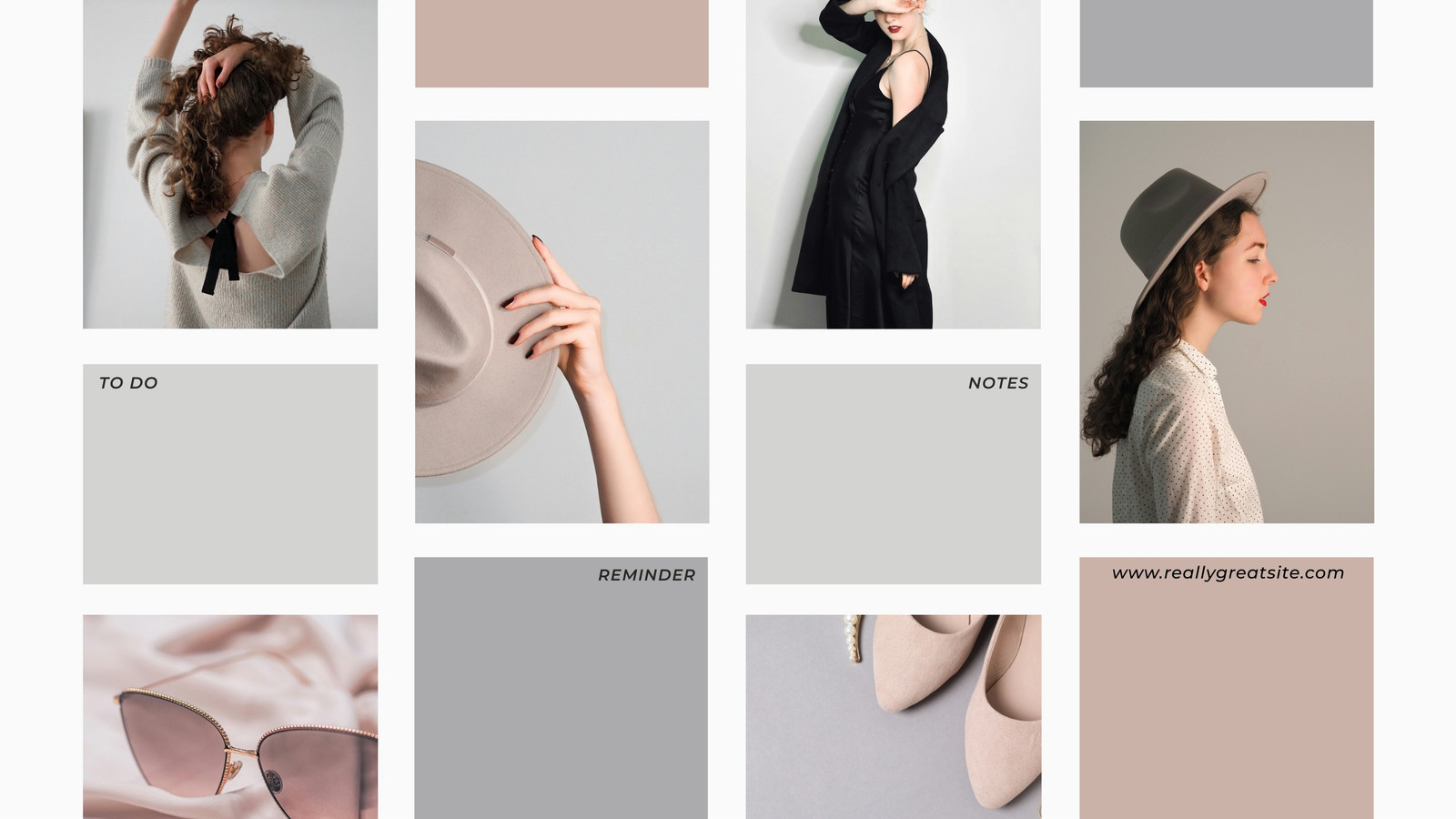
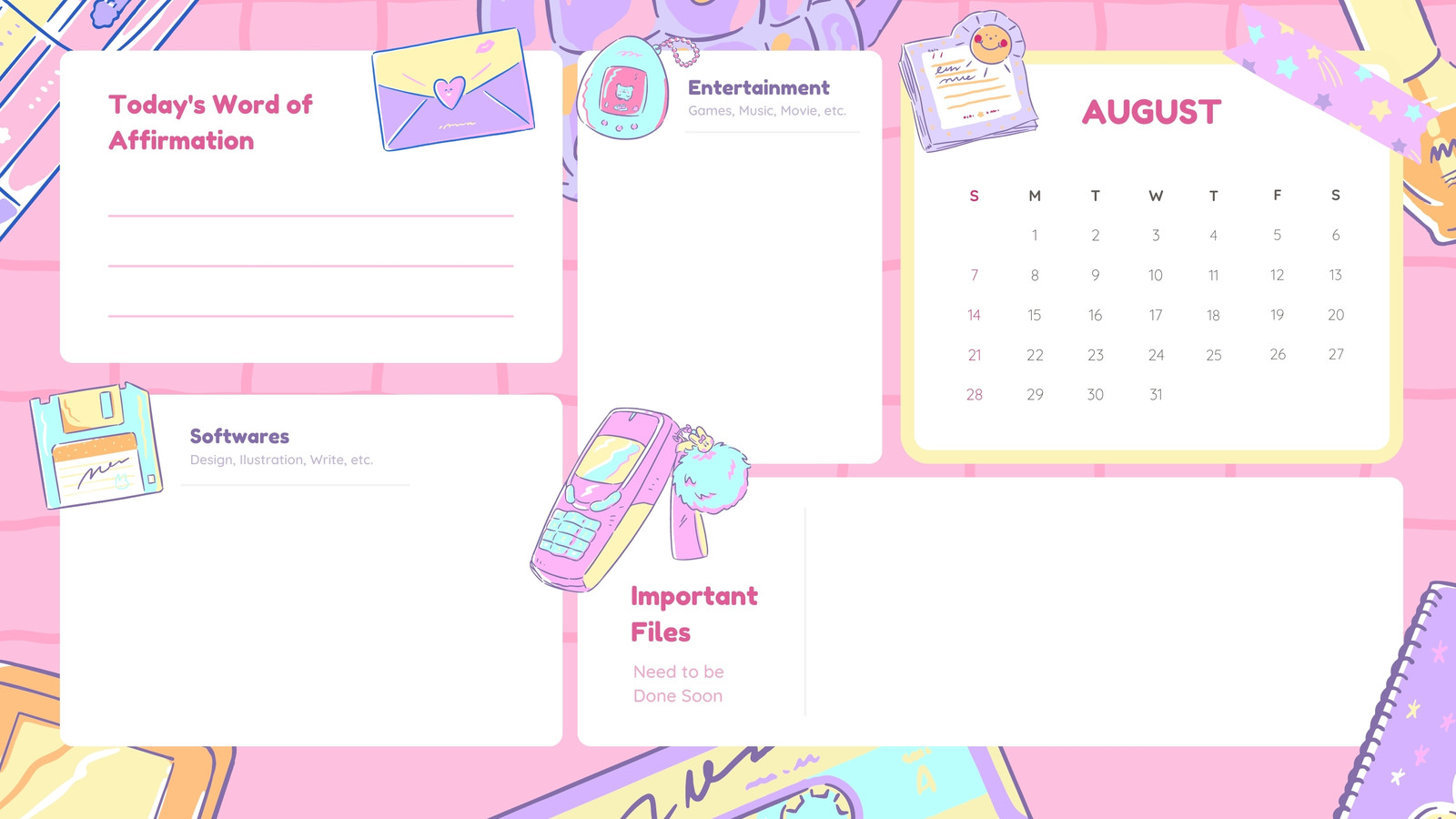
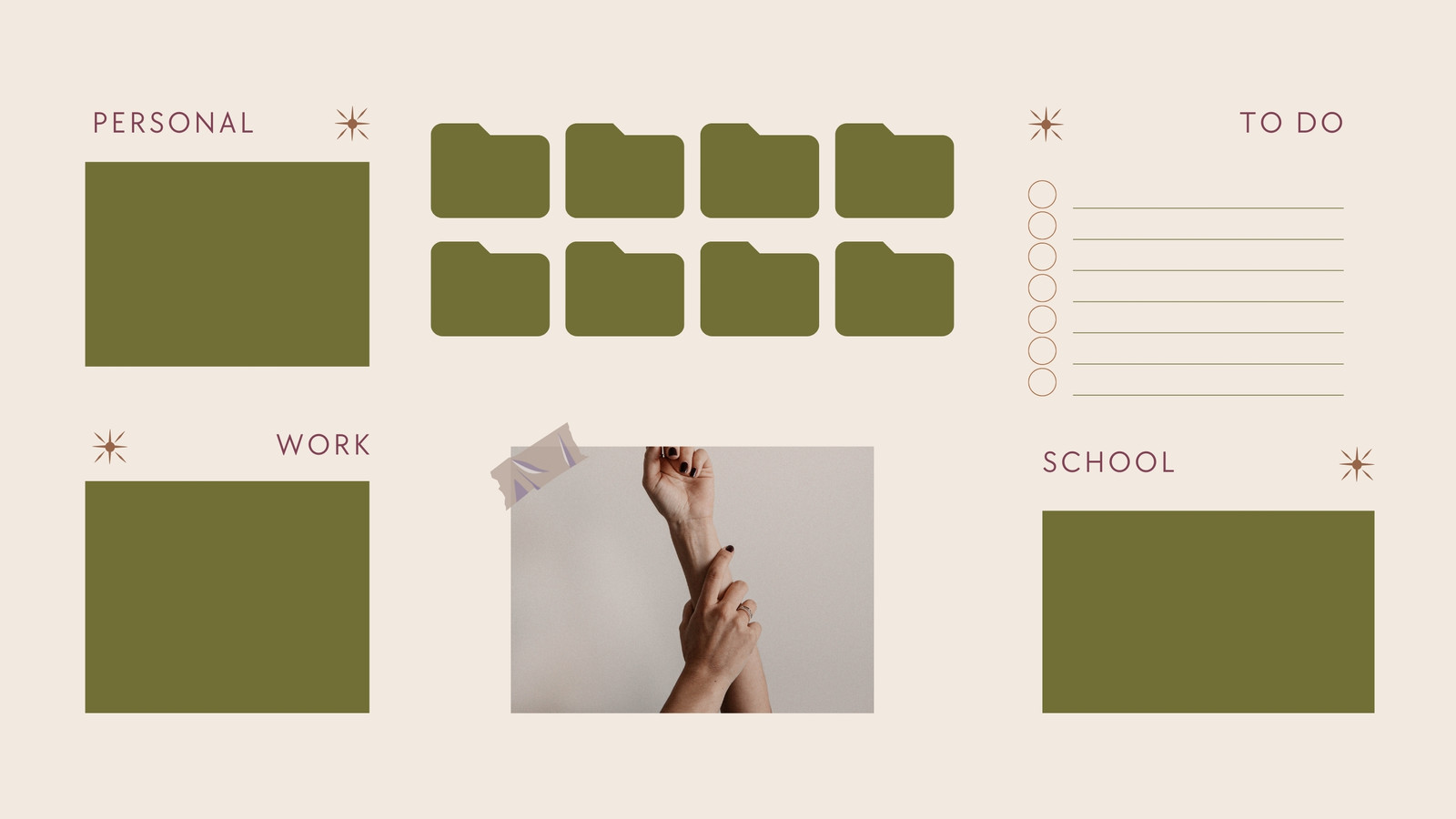



Showing 50 of 1,734
Explore more
Funny
Creative
Summer
Geometric
Space Desktop Wallpaper
Winter Desktop Wallpaper
Boho Desktop Wallpapers
Vintage Desktop Wallpaper
Aesthetic Desktop Wallpaper
Birthday Desktop Wallpaper
Simple Background Desktop Wallpaper
Animal Desktop Wallpaper
Morning Desktop Wallpaper
Thanksgiving Desktop Wallpapers
Car Desktop Wallpaper
Dog Desktop Wallpaper
Christmas
Fall
Cartoon Desktop Wallpaper
Christian
Purple
Dark Desktop Wallpaper
Tree
Cat Desktop Wallpaper
Pastel
Abstract
Black and White
Plant
Gaming Desktop Wallpapers
Watercolor
Anime Desktop Wallpapers
Halloween
Docs
Whiteboard
Presentations
Poster
Logos
Landscape Videos
Flyer
Card
Virtual Backgrounds
Infographics
Business Cards
T-Shirts
Instagram Stories
Instagram Posts
Resumes
Brochures
Invitation
Desktop Wallpapers
Book Covers
Certificate
Menu
Letterheads
Album Covers
Magazine Covers
ID Cards
Newsletters
Calendars
Social Graphics
Photo Collages
Postcards
Labels
Announcements
Storyboards
Gift Certificates
Tags
Programs
Tickets
Bookmarks
Class Schedules
Coupons
Reports
Proposals
Media Kits
Worksheets
Invoices
Recipe Cards
Rack Cards
Planners
Report Cards
Letters
Lesson Plans
Web Banners
Web Ads
Websites
Checklists
Memos
Table Of Contents
Twitter / X
Facebook Posts
Facebook Stories
Memes
Podcast
Facebook Cover
Phone Wallpapers
Stickers
Mugs
WhatsApp Statuses
Lemon8 Posts
Desktop organizer wallpapers by Canva
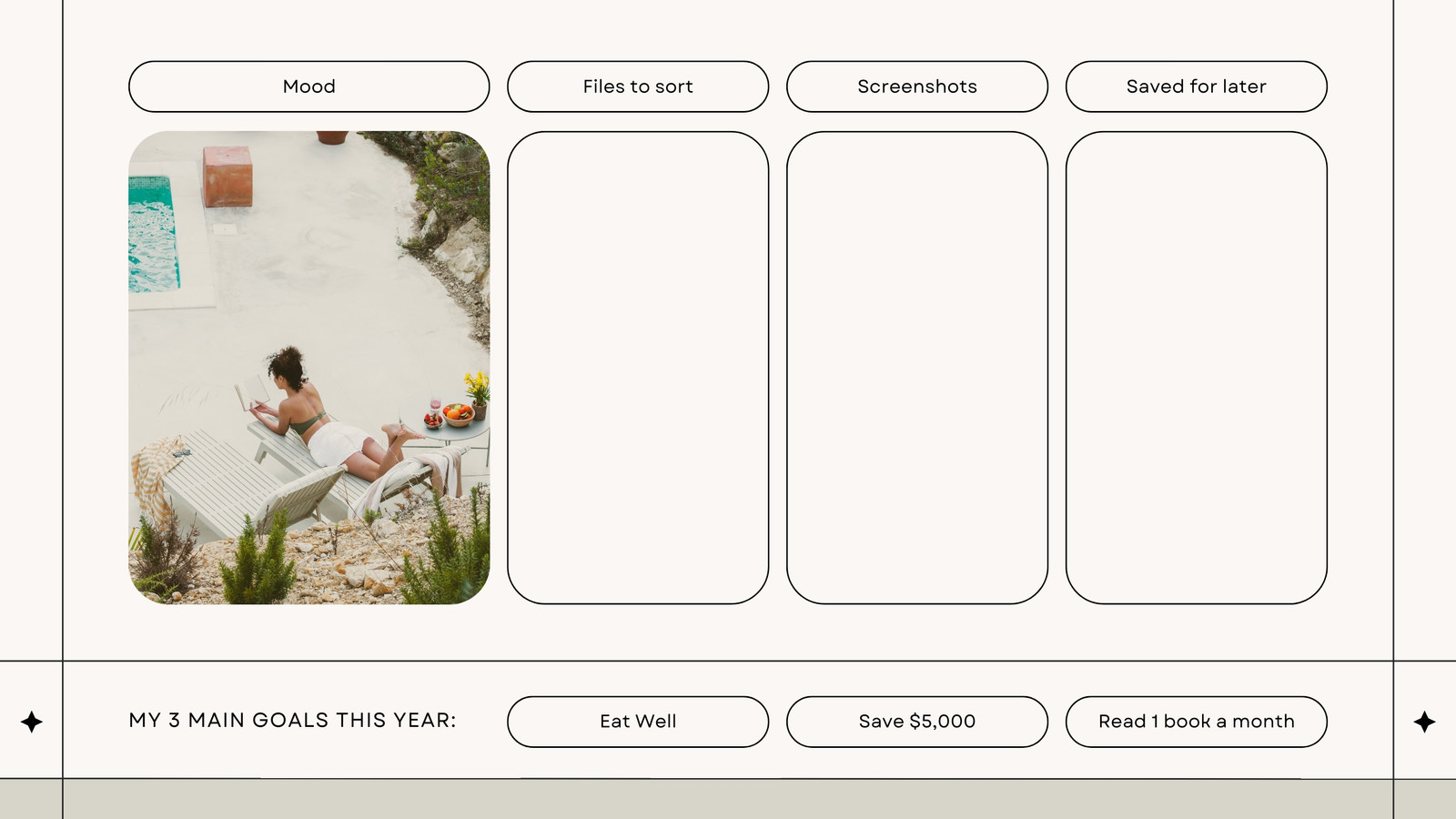
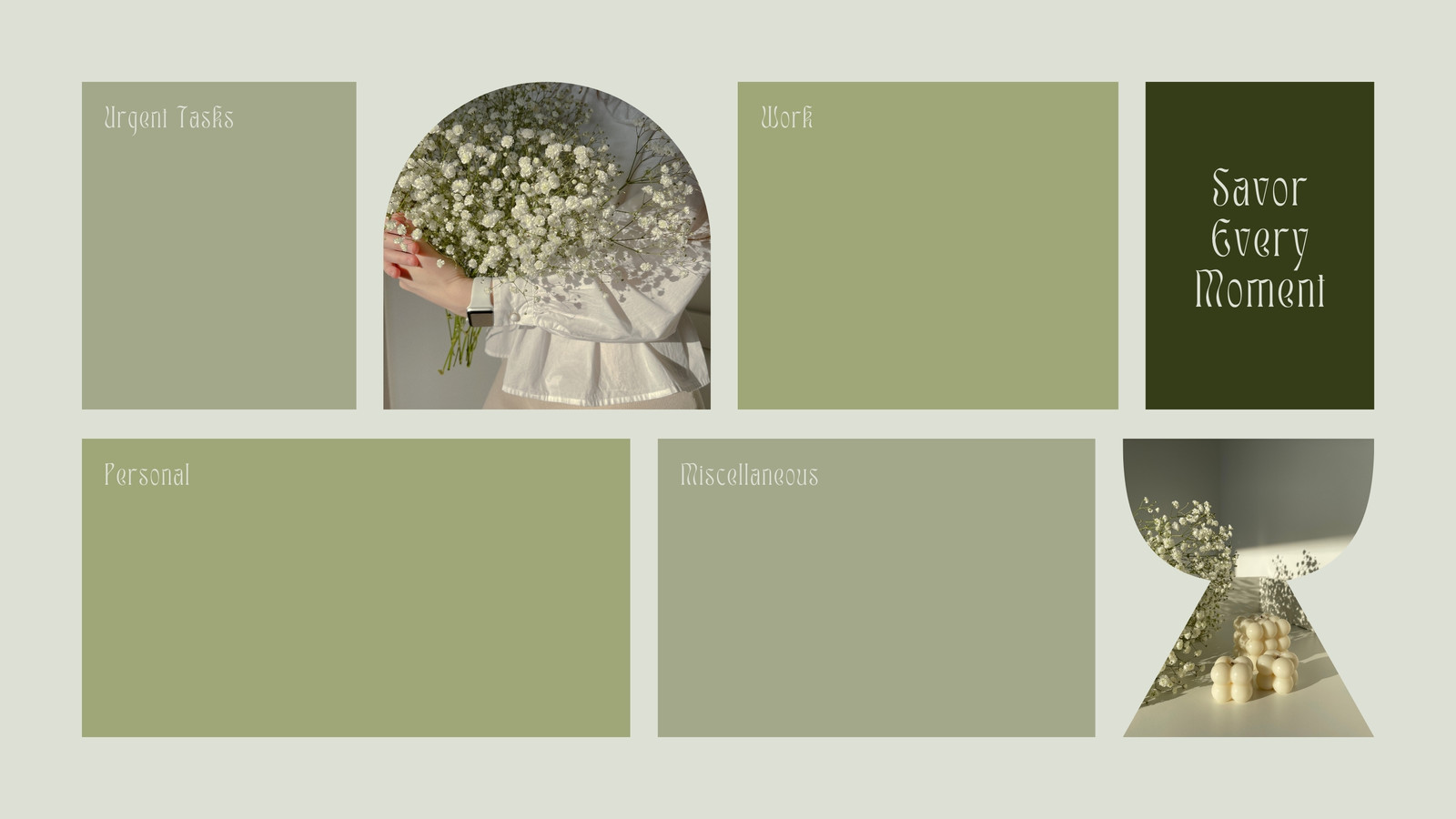
Nobody likes a messy desktop. Files, folders, and screenshots can quickly pile up, making it harder to find the report or document you need. A desktop organizer wallpaper gives your screen a more orderly look, with dedicated spaces for the files you use most.
If you’re looking for a better digital fi...