Canva home

Business Facebook cover templates

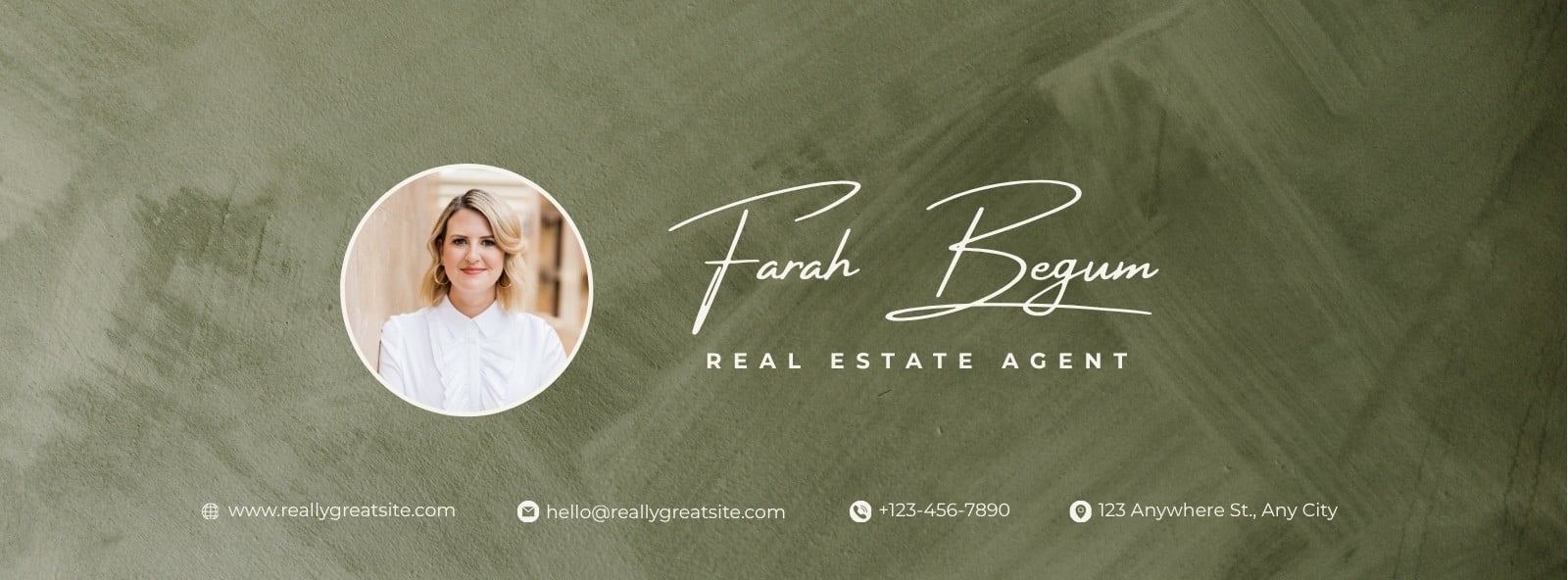
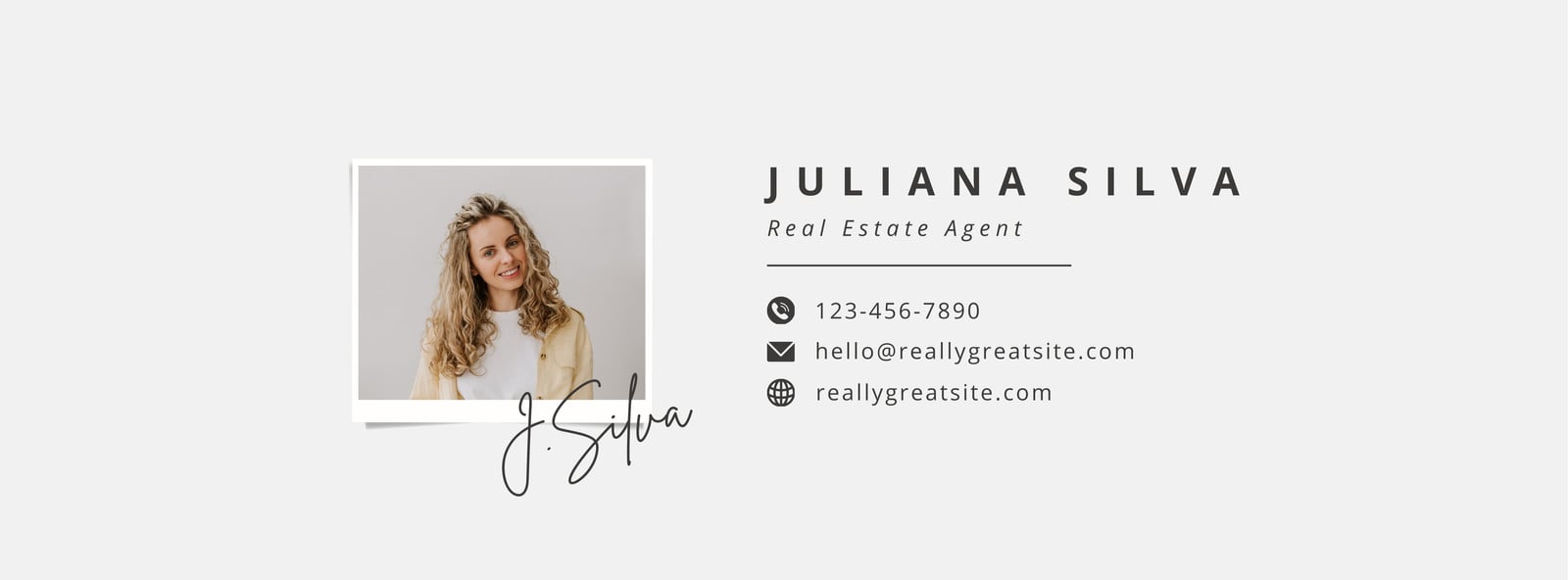
Make the most out of Facebook’s audience reach with a savvy banner that uses eye-catching elements. Design yours with the help of Canva’s free Facebook business page cover photo templates. More

Create a blank Business Facebook Cover

Showing 50 of 4,995

Business Facebook covers by Canva

A strong presence on Facebook is a must for businesses to thrive. This holds true, especially for small and independent ones with meager resources. One quick way to leverage the benefits of social media is to make your business page as informative and inviting as possible. Welcome visitors with an engaging Facebook cover that instantly tells them what your brand is and how your product or service can enrich their lives.

Designing your cover page is easy, thanks to Canva’s Facebook business cover photo templates. Our wide selection of designs spans a variety of businesses such as online retailers and digital agencies. Plus, these templates are easily customizable using our intuitive editing tools. Find the perfect cover photo template for your Facebook business page by modifying the search by style, theme, and color. All our layouts come in the correct dimensions for Facebook, making the whole design process easy and simple.



Once you’ve selected the Facebook cover template that matches your business, you can start designing. Upload all your marketing materials such as logos and product photos on Canva. If you don’t have any, use high-quality images, illustrations, and graphics from our media library. Drag and drop them onto the layout, and tweak their position and size.

Replace the sample copy in the text boxes with your appropriate content. You can opt to retain the font style and color combination. Or if you’re feeling creative, come up with your own set with the help of Canva’s typography suggestions. When crafting the slogan for your business Facebook cover, follow the sample text length and size to maintain visual balance in the overall design.

Apply further modifications to your template to make it completely on brand. Switch the background colors. Add a complementary border. Or include shapes, icons, and other graphic elements to enhance the layout. Once you’re happy with how your business Facebook cover design looks, save and download it in JPG or PNG format. Canva even allows you to post the finished design on all your social accounts without leaving the platform.

A strong presence on Facebook is a must for businesses to thrive. This holds true, especially for small and independent ones with meager resources. One quick way to leverage the benefits of social media is to make your business page as informative and inviting as possible. Welcome visitors with an e...